 Nico Brailovsky's thought repository
In what may be the most useless project I've done in a long time, I spent the weekend making an old CRT work with my Raspberry Pi.
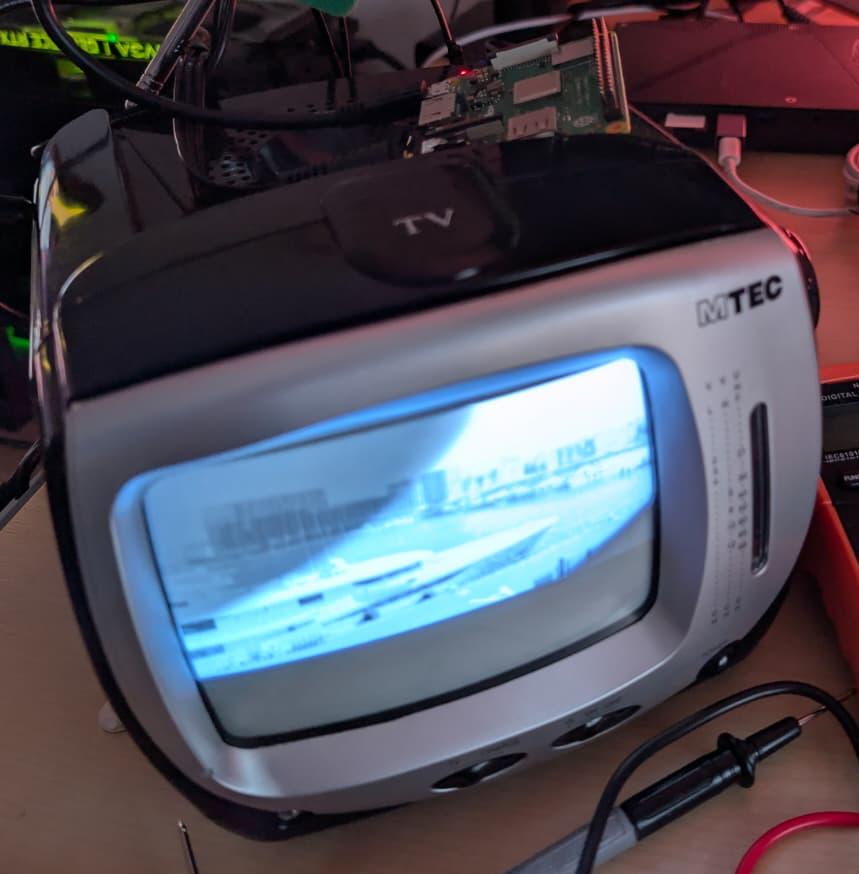
I don't think there will be much use for this project. Ignoring that this is a CRT (720x576 black-and-white), the TV I picked up is pretty noisy. I don't miss the high pitched whine of a CRT (mine is 11 KHz, if you're wondering). Still it was fun to make this work, and I did learn a few things:
- The Raspberry Pi has an SDTV composite/RCA video output. It's shared with the audio output jack. The audio out supports pins with 4 connectors (TRRS connector), and you can get video in one of them.
- There are, of course, multiple standards for TRRS. A Pi uses TRRS CTIA, in which each connector of the pin is (tip to cable) left audio, right audio, video and ground. Unfortunately, many vendors don't specify which standard you're getting. If you get the wrong one, it's not complicated to rejig the cable to be CTIA, just a few snips and some soldering.
- A lot of articles online will tell you that adding
sdtv_modeto /boot/firmware/config.txt is enough to enable video out. I found that's not the case, you'll need to specify alsosdtv_aspect,enable_tvoutanddtoverlay=vc4-fkms-v3d(this last one enables firmware control of video out. I didn't dig into why this is needed, and KMS doesn't work). - You will also need to pin the core frequency. Frequency scaling will affect video rendering.
I put all these setup steps in a convenient script, available as part of the app I'm using to show pictures. Now I need to think what I can do with this ridiculously large piece of ancient tech, which has less resolution than my watch.